 jobsite.work· your mobile office
 Español
 Janitorial Service
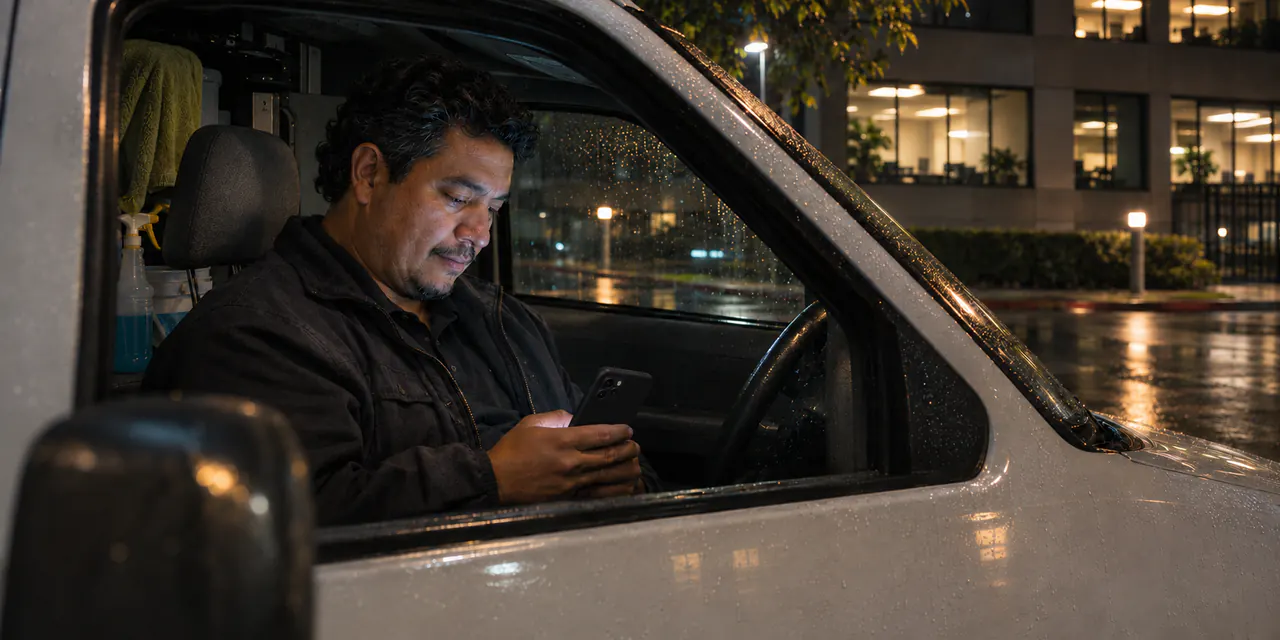
Bid the job from your truck. Get it signed today.
Price an office on your phone in minutes. Your client ticks a box and taps Approve. In English and Spanish.
 Try it. It's the real app.
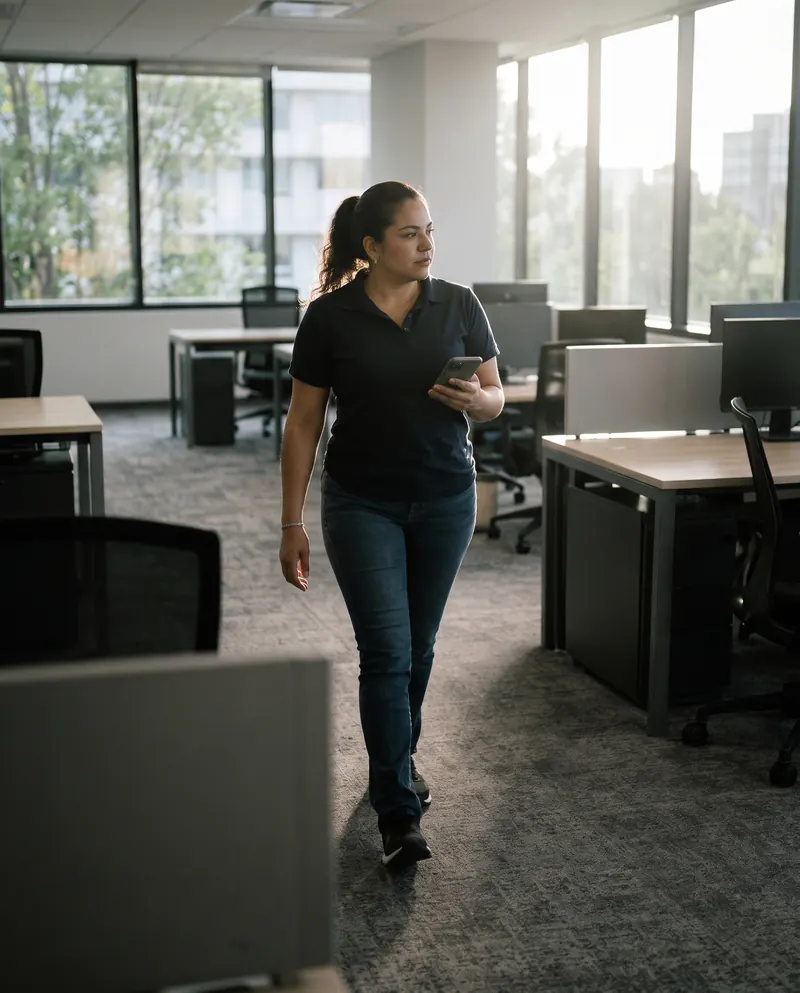
Square feet times your rate. The app warns you if a number looks wrong.

Send it from your phone or by email. Your client ticks one box and taps Approve. No login. You keep a signed record of who approved what, and when.
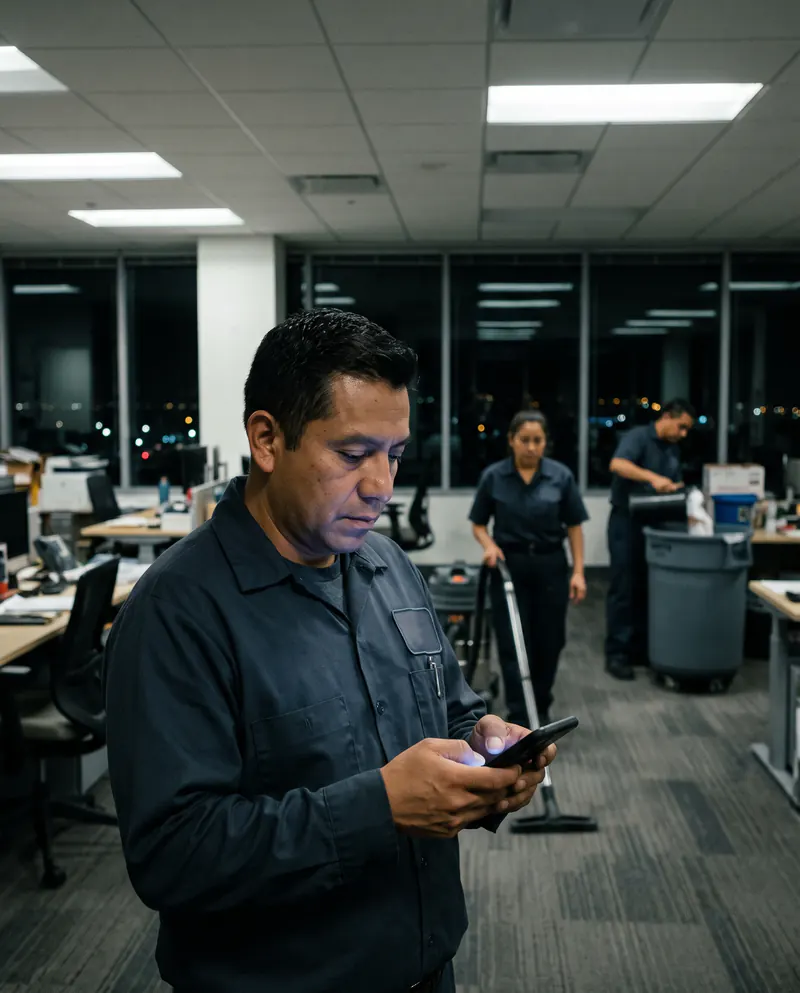
Crew sheets in English, Spanish or both, with no prices on them. The app warns you before a contract runs out.
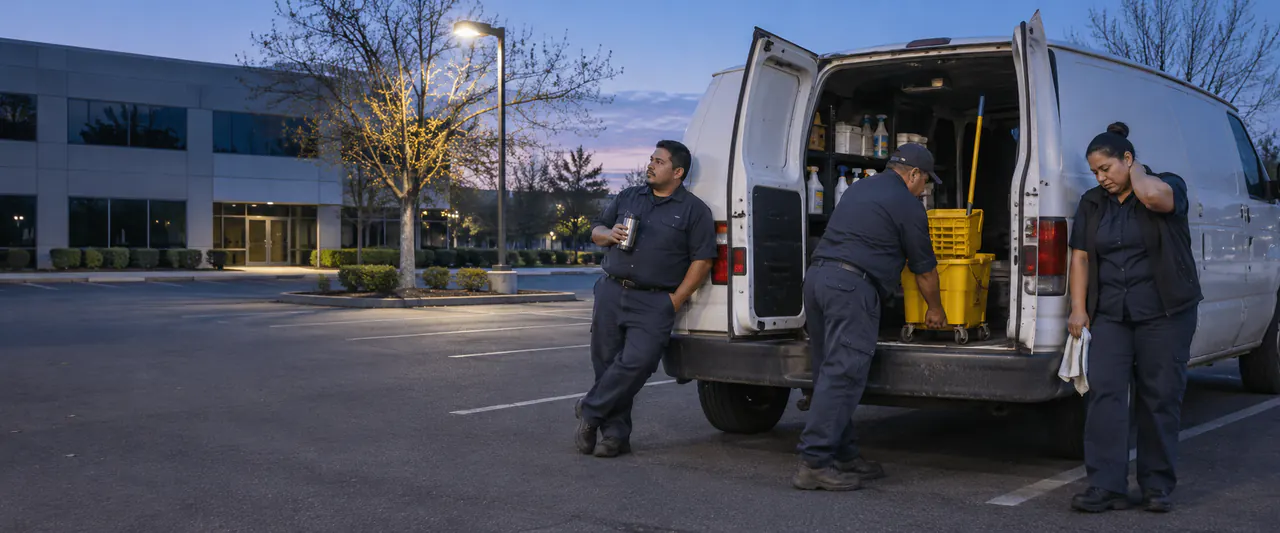
Made for owners who still work the job.
Everything the Janitorial app does
Win the job
 Price by the square footSquare feet times your rate. Office, medical and warehouse space each get their own rate.Your last rate is already thereThe rate from your last proposal for that kind of space fills in by itself.Warns you on a wrong priceIf a rate looks too low or too high, the app asks before you go on.Credit for empty spacePart of the building sits empty? That part gets a lower price.The tasks are already writtenRestrooms, lobby, offices, kitchen and more, each with how often. Untick, change the words or add your own.Your nights and timesTap the nights you clean, the earliest start and the time you must be out.Deep cleaning and extra jobsStrip and wax, carpets, vents: in the monthly price, or as extra jobs with their own price.Letter and agreement written for youPayment days, late fee, notice, no hiring your people, yearly increase. Change any word.Your logo, your signature, your colorOn every page. Sign with your finger on the phone.Same prices, another buildingCopy a proposal for a new address in one tap.PDF, Word or printYou see the real pages, exactly as the client will.
Get it signed
Email written for youThe email with the proposal and the approval link is ready. It opens your own email.Send from your phoneOn a phone, send it with the PDF attached through your phone's share menu, by email or by text.Client approves with no loginYour client ticks one box and taps Approve. Their name is already filled in.A signed record of who approved what, and whenName, date, time, and the exact PDF they saw. A copy goes to your client and to you.You hear right awayYou get an email the minute they approve. The proposal turns Signed by itself.Follow-up reminderNo answer after a week? The app reminds you and writes the follow-up.Every version keptChange a proposal and the old one stays. Nothing is thrown away.Your crew
Crew sheet from the proposalAreas, tasks and nights, made from what the client signed. No prices on it.English, Spanish or bothPrint it in the language your crew reads, or both side by side.A note only the crew seesNever on the proposal, only on the crew sheet.Logins for your peopleAdd an estimator or another owner by name and mobile number.Keep your clients
Who needs you, on one listRaises coming up in orange. Contracts running out in red.Yearly price letter written for youOld price, new price, the date, your reasons and the approval link. You press Send.Client approves the raise onlineSame as the proposal: tick the box, tap Approve, you get an email.Raise a price any time, or skip a yearPercent, dollars or a new price. Skip one client for one year.Contract warnings60, 30 and 7 days before a contract with an end date runs out.Client historyReplies, phone calls and notes, newest first, in one place.Price over the yearsSee each client's price by month or by year.Next year's proposalMade for you with the raise already in.Your numbersYour prices, the jobs you won, and the money coming in each month.Español
The whole app in SpanishEvery screen, button and Help. Tap Español.Each client in their own languageA Spanish-speaking client gets the proposal, the approval page and the letters in Spanish.Each person in their own languageYou and each person you add pick English or Spanish.Easy to start
Sign up with a texted codeName, email, mobile and company name. No password, ever.30 days free, no cardTry everything first.Nothing is deletedAfter the free month you can still see and download every proposal.On your home screenOpen it in your phone's browser, tap Add to Home Screen. No App Store.Help that shows youTap Show me and the app points at each button, one at a time. It says Click on a computer and Tap on a phone.Daily backupThe server keeps a backup of your work every day, the last 30 days.Lost phone? Sign everyone outOne tap, and every phone has to sign in again with a new code.Price
$39 a month
Cancel any time.
Or $390 a year. Two months free.
Everything included. Your whole team at no extra cost.Works in any phone or computer browser. No App Store.After the free month, your proposals stay yours to see and download.Questions
How fast can I price an office?
In minutes, on your phone. Enter the square feet and your rate. The app does the math and warns you if a number looks wrong, before your client sees it.
How does my client approve?
You send a link from your phone or by email. Your client ticks a box and taps Approve. No account, no password. The app saves who approved, what they approved, and the date and time.
Do I keep a record of what was signed?
Yes. Every approval is saved with who approved, what they approved, and when. You can see and download every proposal.
What goes on the crew sheet?
The work, in English, Spanish or both. No prices. Your crew sees the job, not your numbers.
Will I miss a renewal?
No. The app warns you 60, 30 and 7 days before a contract with an end date runs out.
Do I need the App Store?
No. Open it in your phone's browser and tap Add to Home Screen. It gets its own icon, like any app. It also works on any computer browser.
Can my clients and crew use Spanish?
Yes. You and each client get your own language. A Spanish-speaking client sees the proposal in Spanish. Crew sheets print in English, Spanish or both.
Does my team cost extra?
No. $39 a month or $390 a year covers everything and your whole team.
How do I sign in?
With your phone number. We text you a code. No password to remember, no card to start.
What happens after the 30 days?
Nothing is deleted. You can still see and download every proposal. Subscribe to keep making new ones.